Dedicated 1
Intel Dual Xeon L5420
R882.90/ month
R552.50 once-off setupRequest a quote- Memory
- 16 GB RAM
- Processing
- 8 CPU cores
- Storage
- 500 GB SATA
- Transfer
- 10 TB / month
- Network port
- 1 Gbps
- IPv4 addresses
- 4
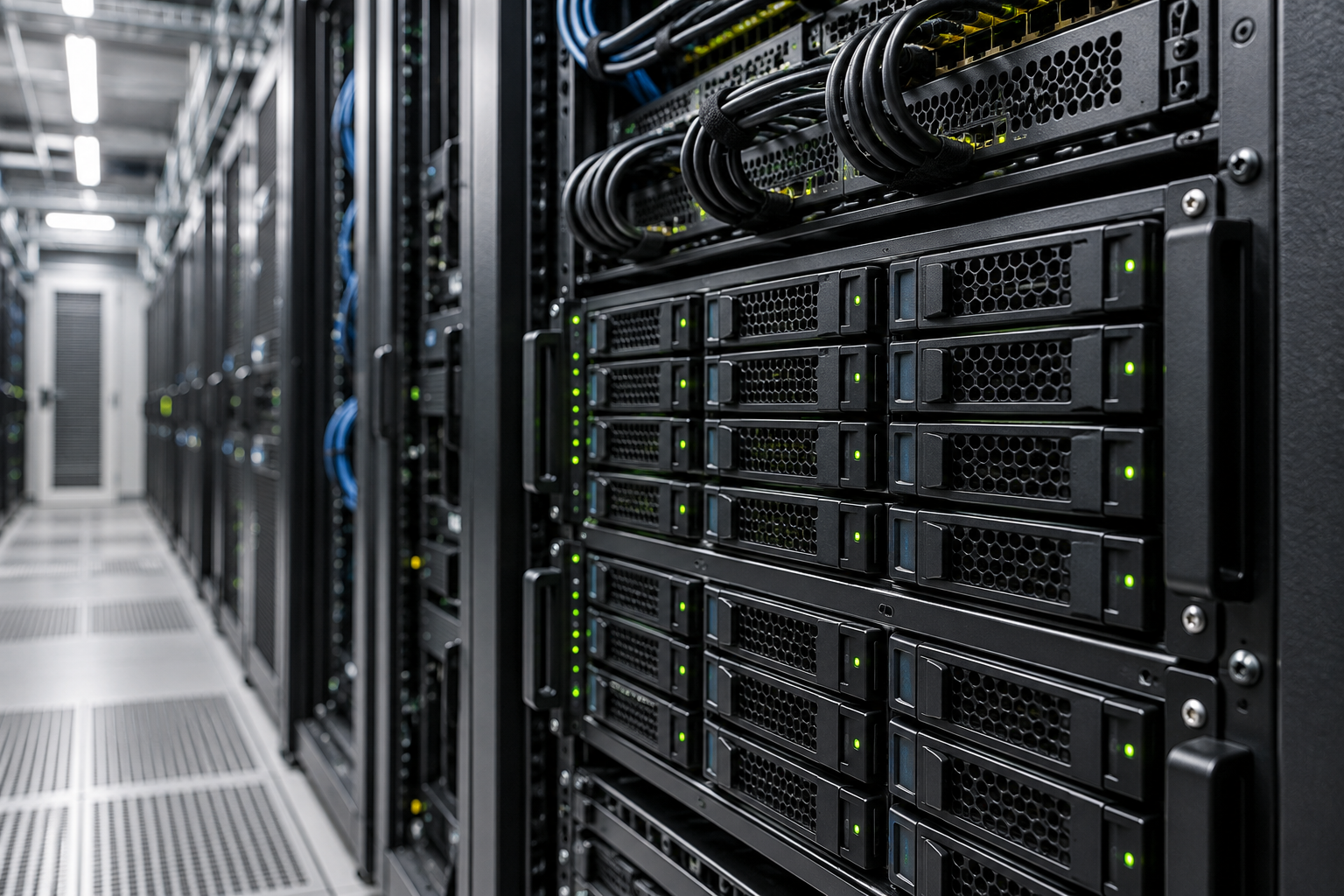
Compare physical server configurations, then confirm availability, software and management before ordering. All listed configurations are hosted in the USA.
Compare serversUSA HOSTED INFRASTRUCTURER552.50 once-off setup. Availability, licences, management and applicable taxes are confirmed in your quote.
Request this configurationIndicative rand pricing. We confirm stock, specifications, licensing and the scope of management in your quote before ordering.
Intel Dual Xeon L5420
Intel Dual Xeon L5520
Intel Dual Xeon L5520
Intel Dual Xeon L5520
Configurations are subject to availability. Prices are for the listed base server; additional licences, management, backups and any applicable taxes are confirmed in your quote. Server location: United States.
A dedicated server gives your workload the physical machine. Match the processor generation, storage type and memory to your application instead of choosing on core count alone.
These configurations are hosted in the USA. For a South African audience, discuss latency, data location and the role of a CDN before choosing. A CDN does not relocate databases or application processing.
The supplier lists basic-managed and unmanaged options. Ask which tasks Coolhost will handle, including operating-system updates, firewall rules, monitoring and incident response.
Do not assume a server price includes backups. Confirm backup storage, retention and restore procedures, and keep a tested recovery plan for application data.
A physical server can suit applications that need a defined hardware environment or consistently use substantial resources. Check the age and capabilities of the proposed hardware against your workload.
Assign responsibility for updates, access, monitoring and recovery before launch. If you need a lighter environment, compare the VPS configurations first.
Compare VPSA dedicated server gives your workload a physical machine. The processor generation, memory capacity and disk type matter as much as the headline core count.
The listed configurations use USA infrastructure and include SATA storage. Share your database size and read/write requirements so we can check whether the proposed hardware suits the job. Stock and final specifications are confirmed by quote.
Include setup fees, software licences, management, backup storage and any additional network requirements.
A dedicated machine still needs an independent backup. Decide how quickly the application must return and test the steps needed to recover it.
Describe sustained usage and peaks, including storage I/O and database needs. Avoid choosing purely on core count.
Agree administrator accounts, key handling and the process for revoking access when people leave.
Schedule updates and monitoring. Establish who investigates alerts and how support requests should be raised.
Document backups, retention and restoration. Keep a copy outside the primary server and review the recovery process regularly.
No. The configurations shown on this page are hosted in the United States. Coolhost serves South African businesses, but that does not mean these servers are physically located in South Africa.
Request a quote first. Coolhost will confirm that the listed configuration is available and agree the final price, software licences and management requirements before provisioning.
The verified catalogue lists Linux choices. Windows availability and licensing have not been confirmed for these configurations; ask the team before selecting a Windows-dependent workload.
Treat these as separate requirements until they are confirmed in your quote. A server specification alone does not establish backup coverage or a cPanel licence.

 LET’S TALK ABOUT YOUR WEBSITE
Moving an existing site? Choosing your first service? Tell us what you need to do and we’ll help you work through the options.
Talk to Coolhost